Make an AI rap video from one photo.
Upload a portrait, pick or upload a motion clip, and get a vertical AI rap video ready for TikTok and Reels.
Create your video
1Your photo
Best results: one person, facing the camera, even lighting, head and shoulders visible. Avoid sunglasses, masks and heavy filters.
2Length
Sample clips are placeholders made for this demo.
The catch
Joining the AI Rap Video trend is harder than it looks
You have to learn the routine
Getting every move right takes real practice, and nerves still show once the camera is rolling.
Someone has to film it
You need a friend or a tripod, plus a background that matches the framing of the original.
The timing is unforgiving
Half a beat late looks obvious next to the original, so it turns into take after take.
Side by side
Filming it yourself vs. using RapMaker
| Filming it yourself | With RapMaker |
|---|---|
| Learn the choreography first | No dancing needed, one photo is enough |
| Find a friend or set up a tripod | No camera setup |
| Retake until the timing lines up | Timing follows the original clip |
| Edit and export on your phone | Download a finished MP4 |
How it works
How to make an AI rap video in 3 steps
- 1
Upload one clear photo
One person, facing the camera, in even light. JPG, PNG or WebP up to 10 MB.
- 2
Choose a length
Take a short hook or the full routine. One credit covers one second of video.
- 3
Generate and download
The render finishes in a few minutes. Download the MP4 without a watermark and post it anywhere.
Made with RapMaker
One photo in, one finished clip out
No editing timeline, no green screen. Upload a clear photo, choose a length and the render keeps every beat of the original routine.
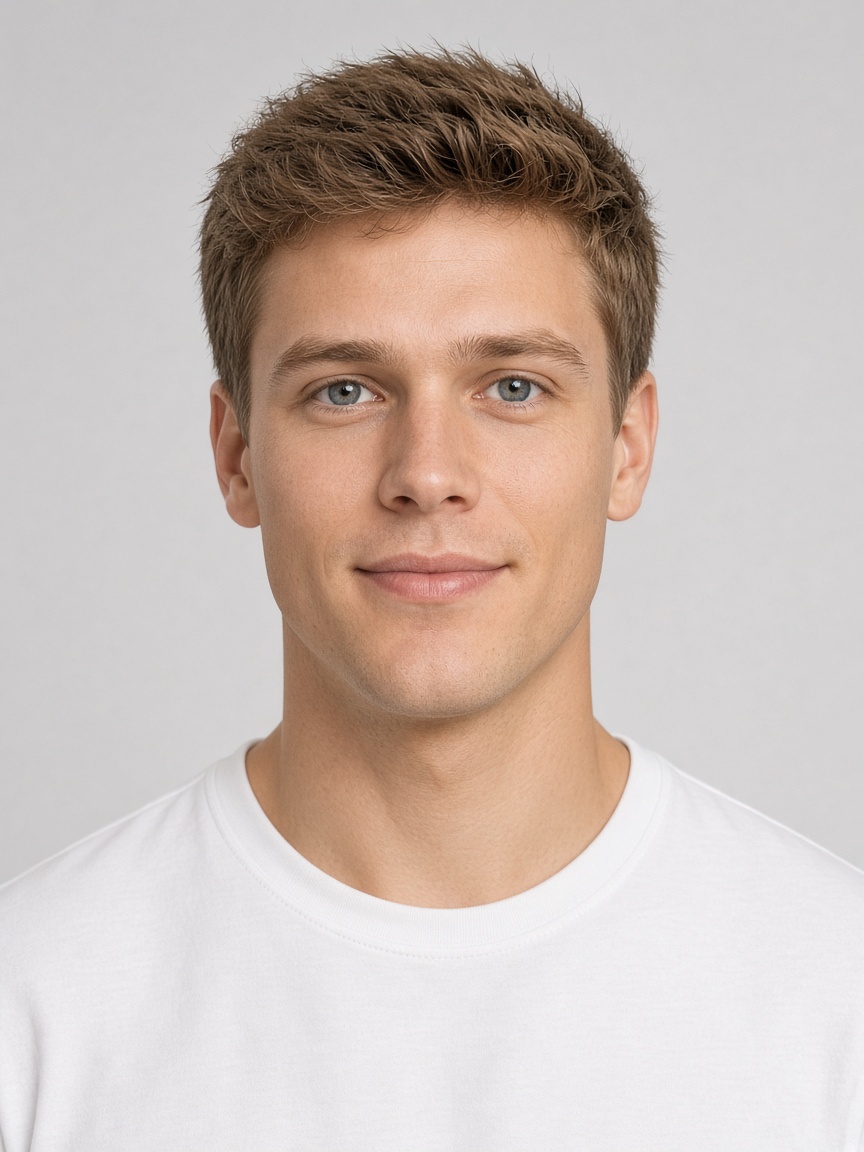
Generated clip
About the trend
What is AI Rap Video?
AI Rap Video is a short vertical clip that people re-create with their own face and style. The routine is quick, the beat is easy to recognise and the camera stays on a single performer, so every new version instantly reads as part of the trend.
RapMaker is an AI dance video generator built around that one clip. Instead of learning the steps and filming, you upload a single photo and the model renders you performing the original routine with the same timing and framing.
Read the full AI Rap Video trend guideFeatures
Everything you need for an AI rap video
One photo is enough
A single clear selfie is all the model needs to rebuild you inside the routine.
Faithful motion
Every step, pause and camera move follows the reference clip frame by frame.
Vertical and ready to post
Exports in 9:16 so it drops straight into Reels, Shorts or TikTok.
Pick your length
Grab a short hook or the full routine. You only pay for the seconds you render.
Private by default
Uploads are stored privately, used only for your render and deleted automatically 7 days after upload.
Fair billing
Credit packs never expire and plans can be canceled anytime. If a render fails, the credits go straight back to your balance.
Ideas
What people make with it
Surprise the group chat
Drop yourself into the routine and send it before anyone else jumps on the trend.
Try it with your photo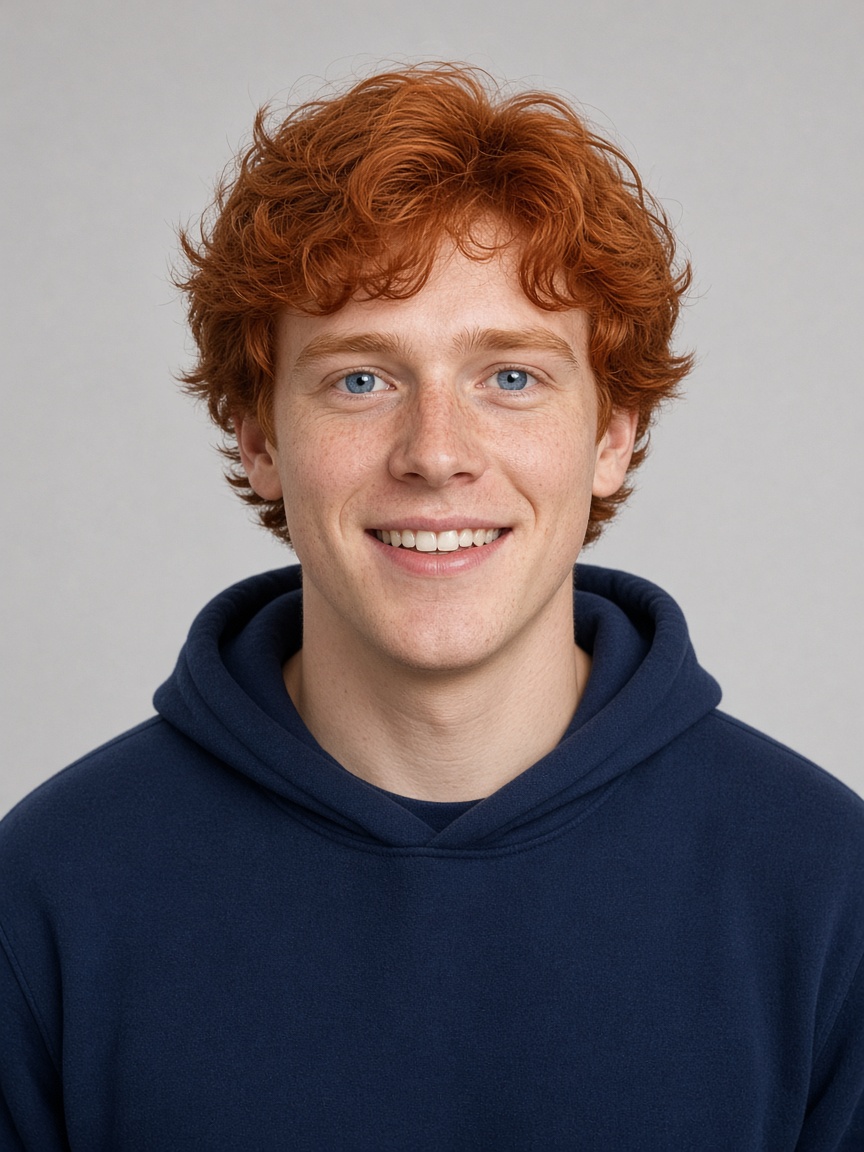
Birthday shout-outs
Use a friend’s photo (with their OK) and turn it into a dance-floor greeting card.
Try it with your photo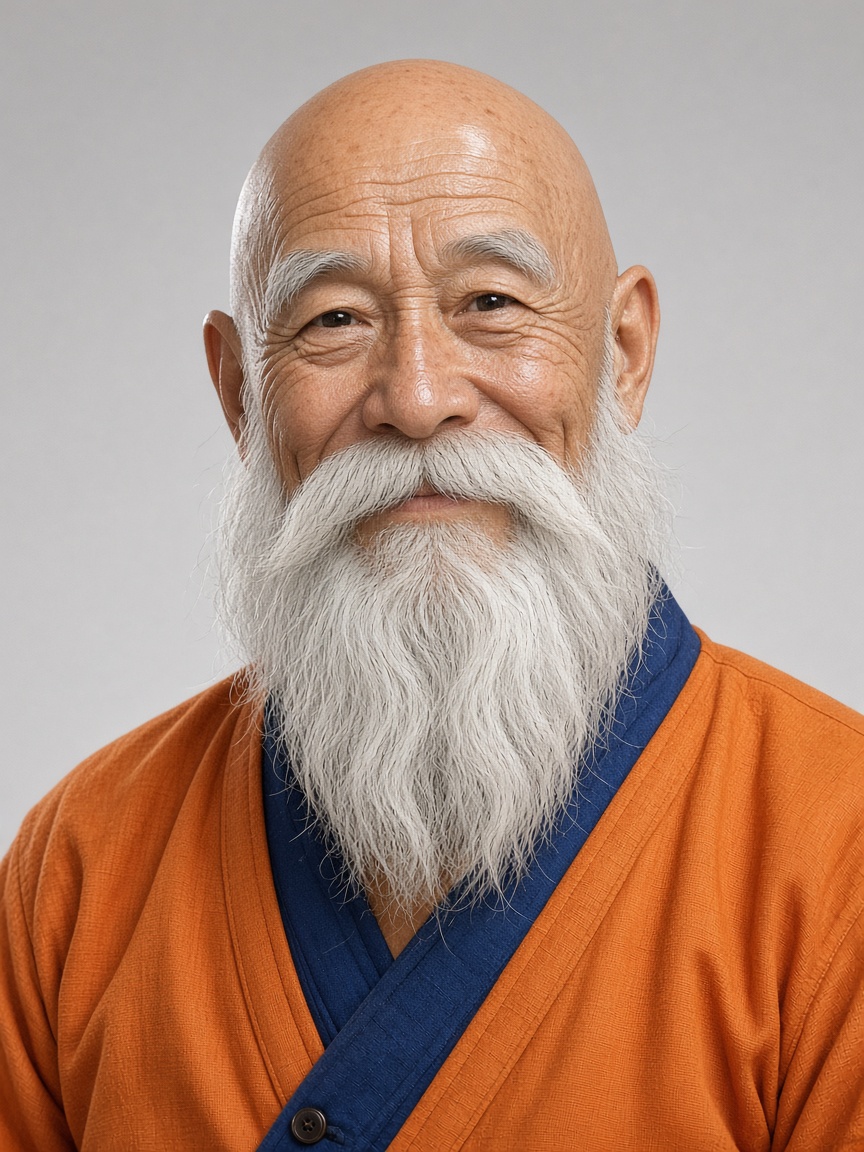
Creator content in minutes
Ride the trend on your channel without filming, lighting or learning the steps.
Try it with your photoPricing
Pay as you go, or subscribe
1 credit = 1 second of video. Buy a pack that never expires, or subscribe for a fresh allowance every month.
Subscriptions
Credits are added at the start of every month of your plan and expire when that month ends. Cancel anytime and keep your plan until the period ends.
Monthly
Flexible, cancel anytime
$14.90/ month
60 credits every month
- Credits refresh every month
- All video lengths
- HD MP4 download, no watermark
- Cancel anytime
Yearly
Best value for regular creators
$149.00/ yearSave 17%
$12.42 / month, billed yearly
60 credits every month
- Credits refresh every month
- All video lengths
- HD MP4 download, no watermark
- Cancel anytime
Subscriptions renew automatically at the price shown until you cancel. Unused monthly credits do not roll over.
Credit packs
Starter
Try the trend
$9.90
20 credits
≈ 3 videos of 6 s
- Credits never expire
- All video lengths
- HD MP4 download, no watermark
- Automatic refund on failed renders
Party
For you and your friends
$19.90
60 credits
≈ 10 videos of 6 s
- Credits never expire
- All video lengths
- HD MP4 download, no watermark
- Automatic refund on failed renders
Squad
For creators and teams
$29.90
100 credits
≈ 16 videos of 6 s
- Credits never expire
- All video lengths
- HD MP4 download, no watermark
- Automatic refund on failed renders
Prices in USD. Taxes are calculated at checkout by our payment partner.
How to make an AI rap video?
Pick a sharp, front-facing photo of one person. Upload it on RapMaker and choose 6, 12, or 18 seconds. Confirm consent (18+, permission, no celebrities), then generate and download the vertical MP4.
Read the full how-to guideWhat is an AI rap video?
An AI rap video is a short vertical clip that maps your face and look onto a rap-style motion performance. Upload one clear photo, choose a motion template, and download a 9:16 video for TikTok, Reels, or Shorts.
What is an AI rap video?What is RapMaker?
RapMaker is an online tool that recreates the AI Rap Video video with you as the performer, using just one photo.
Where the AI Rap Video clip came fromWhich photo works best?
A recent photo of one person facing the camera, with even light and the head and shoulders in frame. Group shots, sunglasses and strong filters lower the quality.
Photo tips for a better AI rap videoHow long does a render take?
Most videos finish in 2–8 minutes depending on length and queue. You can close the page; finished videos wait in My videos.
How do credits work?
Each second of video costs one credit. Credits from packs never expire; subscription credits are added every month and expire at the end of that month. Renders use the credits that expire soonest first, and credits are refunded automatically if a render fails.
How do I cancel my subscription?
Open My account → Billing and choose Cancel renewal. You won’t be charged again, and your plan and credits stay available until the end of the current period.
Can I use someone else’s photo?
Only with their permission, and never photos of minors, celebrities or public figures. Accounts that break this rule are closed.
What happens to my photos?
Uploads are private, used only to make your video and deleted automatically 7 days after upload. Finished videos are kept for 30 days after they finish. Deleting your account removes everything right away.
Your AI Rap Video moment is one photo away
Upload a selfie, pick a length and watch yourself take the lead.
Make AI Rap Video · $9.90+